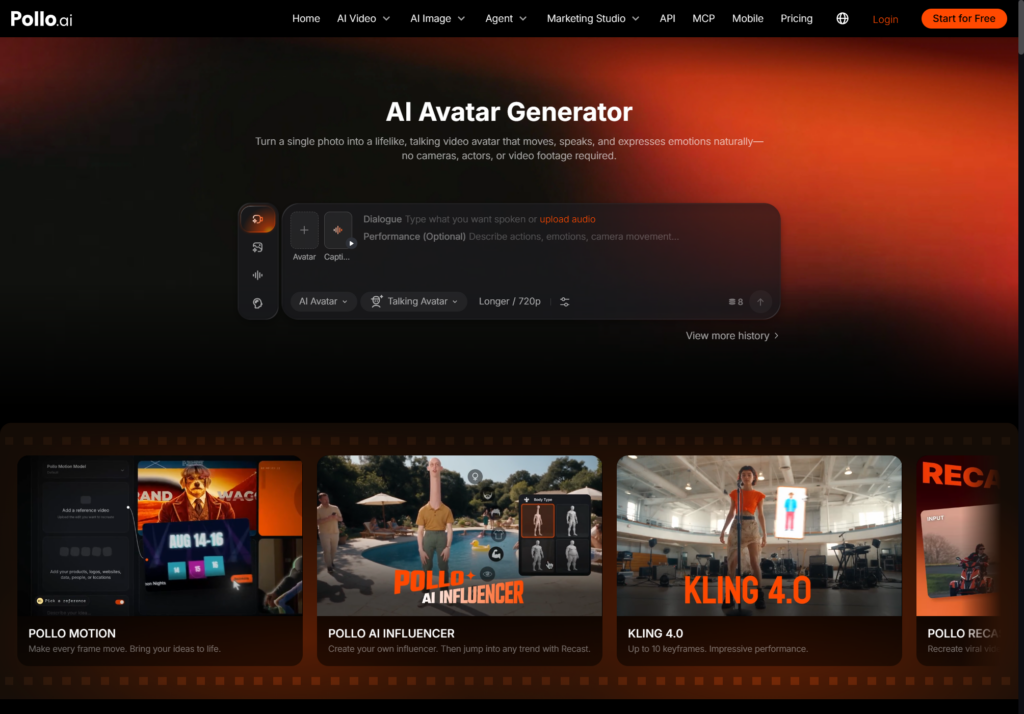
Training creators often spend more time setting up the camera than updating the lesson. A changed definition, new example or revised assignment can require another recording session even when the presenter and visual style should remain the same. This workflow turns one approved portrait into a week of focused AI avatar training videos, while keeping each clip short, useful and easy to revise instead of producing one long presentation that learners struggle to navigate.
- What Do You Need Before Creating AI Avatar Training Videos?
- How Do You Build a Week of AI Avatar Training Content?
- What Should Each AI Avatar Training Video Include?
- How Do You Keep a Week of Avatar Videos Consistent?
- When Should Training Creators Film a Real Person?
- Ready to Build a Week of Training Videos with Pollo AI?
What Do You Need Before Creating AI Avatar Training Videos?
You need one clear presenter photo, a seven-part content plan, approved scripts and a consistent voice and visual treatment. The photo should support the course identity rather than change from lesson to lesson.
Course creators can turn one photo into AI avatar videos for recurring lesson segments without filming every update. According to Pollo AI, its Avatar workflow uses one photo, accepts typed scripts or uploaded audio and can produce clips up to about two minutes without pre-training footage. That length is well suited to focused explanations, recaps and instructions rather than an entire lecture in one file.
How Do You Build a Week of AI Avatar Training Content?
Assign one clear learning job to each video, then reuse the same approved avatar while changing the script and supporting visuals. Follow this weekly sequence:
1. Monday: introduce the learning goal. Use a short welcome that explains what learners will be able to do and why the skill matters.
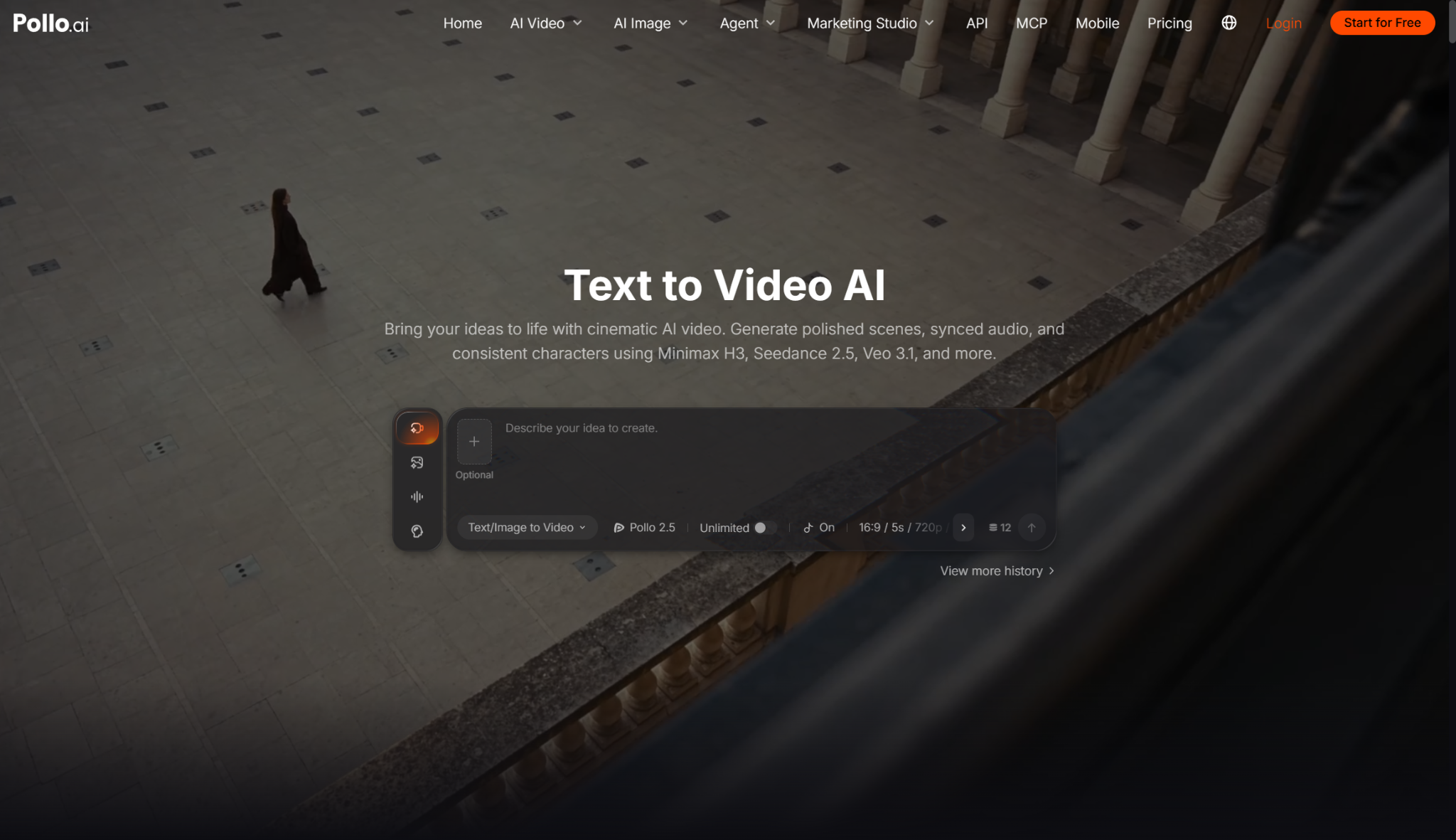
2. Tuesday: explain the core idea. Keep the avatar section focused on one concept. When learners need to see a process, scenario or abstract idea that would be difficult to film, use text to video AI to generate a short supporting video clip from a written prompt. Keep definitions and formulas as readable on-screen text rather than asking the generated scene to display them.
3. Wednesday: create a multilingual version. Translate the approved source script, then review terminology, subtitles and pronunciation with a qualified speaker before publishing.
4. Thursday: demonstrate an example. Let the avatar introduce the scenario, then switch to diagrams, screen recordings or real process footage for the evidence.
5. Friday: summarise the lesson. Repeat the three most important points and connect them to the assignment or next module.
6. Saturday: answer one common question. Turn a recurring support question into a short response that can live in the course and help desk.
7. Sunday: publish a course preview. Adapt one useful insight into a social clip that shows the teaching style without giving an exaggerated promise.
What Should Each AI Avatar Training Video Include?
Each video needs one objective, one spoken explanation and one next action for the learner. A simple weekly plan prevents repetition.
|
Video |
Primary purpose |
Useful length |
|
Welcome |
Set the outcome |
20-40 seconds |
|
Concept |
Explain one idea |
60-120 seconds |
|
Example |
Connect idea to practice |
45-90 seconds |
|
Recap |
Reinforce key points |
30-60 seconds |
|
FAQ or preview |
Answer or attract |
20-45 seconds |
How Do You Keep a Week of Avatar Videos Consistent?
Lock the presenter image, voice, framing, background and pronunciation guide before producing the full week. Consistency should make the course easier to follow, not make every delivery emotionally identical.
1. Use one approved master portrait. Avoid switching source images unless the course intentionally changes setting or presenter.
2. Maintain a pronunciation list. Record product names, technical terms and acronyms so revised lessons use the same spoken form.
3. Vary emphasis, not identity. Use a calmer tone for definitions and more energy for examples while keeping the same recognisable presenter.
4. Review learning accuracy first. Check the script, captions, diagrams and examples before judging visual polish.
When Should Training Creators Film a Real Person?
Use real footage when physical technique, live interaction or the instructor's personal experience is the lesson itself. Avatar video works best for scripted explanation, recurring updates and standardised course support.
A hybrid course can use the real instructor for demonstrations, personal stories and trust-building introductions, while the avatar handles module summaries, policy updates and translated versions. Tell learners when synthetic presentation is used if the platform, institution or subject requires disclosure.
Ready to Build a Week of Training Videos with Pollo AI?
Start with Monday's goal video and Friday's recap before creating the full seven-day set. Upload one approved portrait to Pollo AI Avatar, write two short scripts and confirm that the voice, expression and framing fit the course. Once those bookend videos feel consistent, build the remaining lessons from the same template and update individual clips whenever the training changes.